
You’ve applied to twenty jobs, you’re qualified for most of them, and you’ve heard nothing back. It’s one of the most demoralising parts of a job search — and very often, the problem isn’t you. It’s that a piece of software rejected your resume before any human ever opened it.
That software is called an ATS, and once you understand how it works, making your resume “ATS-friendly” is straightforward. This guide explains what an ATS is, why it rejects good resumes, and exactly how to fix yours.
What is an ATS?
ATS stands for Applicant Tracking System — the software companies use to collect, scan and filter the resumes they receive. When you apply through a job portal or a company’s careers page, your resume usually goes into an ATS first. The system reads your resume, tries to pull out your details and skills, and often scores or ranks you against the job before a recruiter sees a shortlist.
Most medium and large employers use one, and nearly every role posted on portals like Naukri passes through this kind of screening. So if your resume isn’t built for it, you can be filtered out no matter how good you are.
Why an ATS rejects good resumes
There are two common reasons a strong candidate gets screened out:
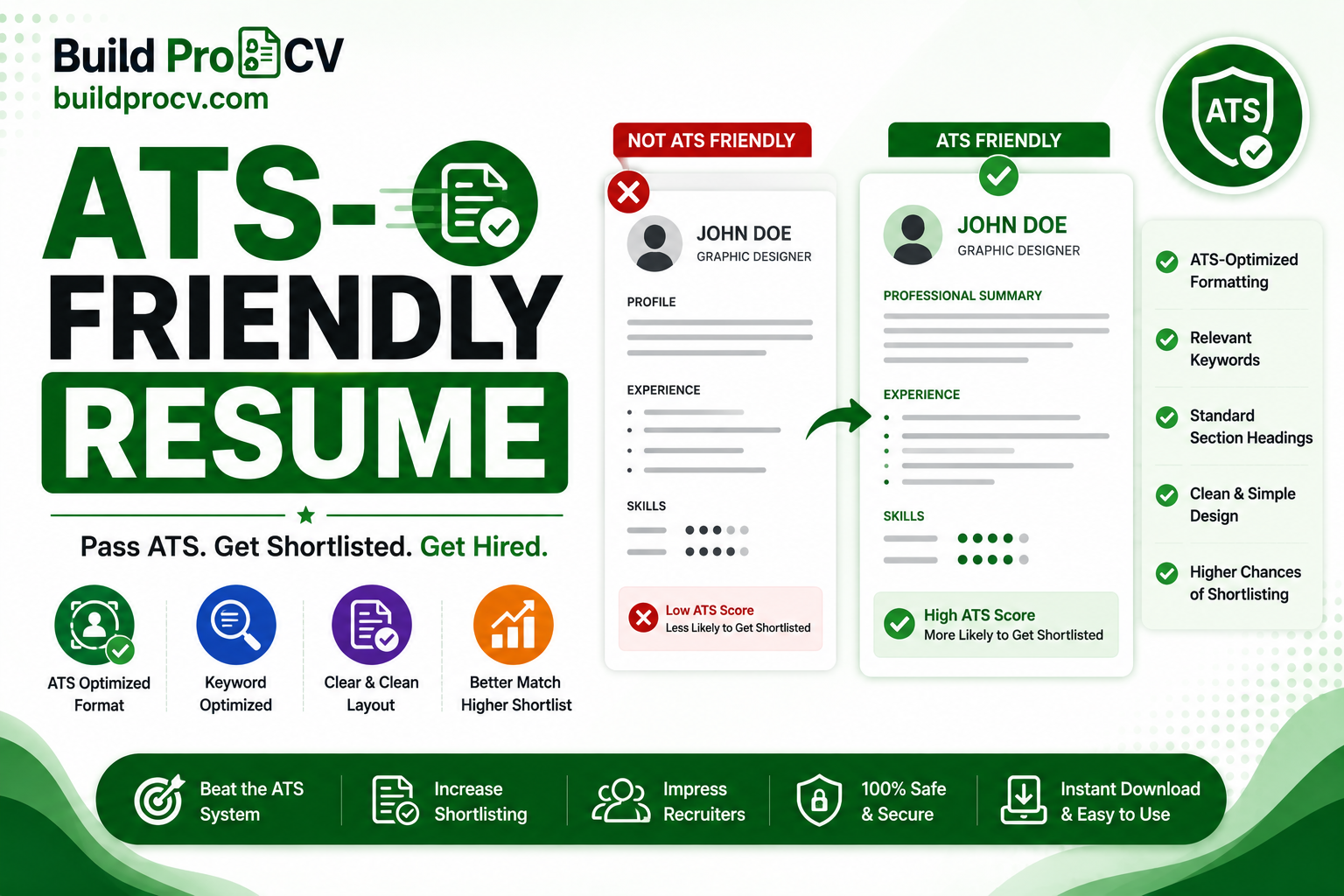
The ATS can’t read the resume properly. Fancy layouts — multiple columns, tables, text boxes, graphics, or details tucked into the header and footer — can confuse the parser. When that happens, your experience may be scrambled or missed entirely.
The resume doesn’t match the job. An ATS looks for the skills and keywords mentioned in the job description. If the posting asks for “project management” and “SQL” and those words don’t appear in your resume, the system sees a poor match even if you have the experience.
How to make your resume ATS-friendly
Here’s how to fix both problems:
Use a simple, single-column layout. Avoid tables, columns, text boxes and graphics. A clean top-to-bottom structure is the safest way to make sure everything you wrote is actually read.
Use standard section headings. Label sections plainly: “Work Experience”, “Education”, “Skills”. Creative headings like “Where I’ve Made an Impact” can stop the ATS from recognising the section.
Mirror the keywords from the job description. Read the posting carefully and naturally include the exact skills and terms it uses. If it says “customer relationship management”, use that phrase rather than only a vague description.
Spell out acronyms. Write the full term and the short form together — for example, “Search Engine Optimization (SEO)” — so you match whichever version the ATS is looking for.
Use standard job titles. If your official title is unusual, add a recognisable equivalent so the system understands your role.
Pick a safe file format. Submit a text-based PDF or a .docx file. Avoid scanned or image-based resumes — an ATS can’t read text inside an image.
Don’t keyword-stuff. Repeating keywords unnaturally or hiding them in white text can backfire, both with the ATS and the recruiter who reads it next. Use keywords genuinely and in context.
A note for Indian job seekers
Resumes in India often include a photo and personal details like date of birth. That’s fine for many local applications, but be aware some ATS systems ignore images, so never put important text inside a photo or logo. If you’re applying to global companies or MNCs, a cleaner, photo-free format is usually safer.
Check your resume’s ATS score before you apply
Once you’ve cleaned up your resume, don’t guess whether it will pass – test it. Our free Resume ATS Score Checker lets you paste your resume and a job description and instantly see your match score out of 100, which keywords you’re missing, and the exact formatting issues to fix. It runs privately in your browser, so nothing is uploaded anywhere. Run it once, apply the prioritised fixes, and re-check until your score is strong – then send your application with confidence.
Frequently asked questions
What does ATS-friendly mean?
It means your resume is formatted so applicant tracking software can read it correctly, and it contains the keywords from the job description so the system rates it as a good match.
Do all companies use an ATS?
Not all, but most medium and large employers do, and the majority of jobs posted on major portals are screened this way. Building an ATS-friendly resume is the safer default.
Will an ATS-friendly resume look plain?
It will be clean and simple, but that’s a strength — recruiters read it after the ATS, and a clear, well-organised resume is easy for them to scan too. You don’t need heavy graphics to stand out; strong content does that.
Should I include a photo on my resume?
It depends on the role and country. Some Indian applications expect one, but for global or MNC roles a photo-free format is often safer. Either way, never put important text inside an image.
How do I know if my resume will pass the ATS?
Run it through a free ATS checker that compares your resume against the job description. It shows your score, missing keywords and formatting issues so you can fix them before applying.