web analytics

Passport Size Photo Dimensions in India (And How to Make One Free)

Whether you’re applying for a passport, a visa, a government exam or a job, you’ll need a passport size photo that meets exact specifications – and getting the dimensions wrong is a common reason applications get rejected. Here’s what you need to know.

The standard passport photo size in India is 35×45 mm (3.5 × 4.5 cm). This is the size required for Indian passport applications and is widely accepted for visas, exams and official forms. Some applications specify a particular pixel size or file size as well, so always check the portal’s instructions.

Sizes for other countries differ. A US visa or green-card photo is 2×2 inches (51×51 mm). Canada, the UK and Australia commonly use 35×45 mm, similar to India. If you’re applying abroad, match the destination country’s requirement, not India’s.

The usual rules for a valid passport photo:

  • Background: plain white is standard (some accept light grey). A busy or coloured background is usually rejected.
  • Face: centred, facing the camera, with a neutral expression and both eyes open.
  • Coverage: your face should fill roughly 70–80% of the frame.
  • Lighting: even, with no harsh shadows behind you.
  • Recent: taken within the last six months.

How to make one for free at home.

You don’t need a studio. Take a clear, front-facing photo against a plain wall, then use our free Passport Photo Maker: upload the photo, choose the 35×45 mm (India/UK) preset, position your face, set a white background, and download a print-ready copy. If your wall isn’t plain enough, remove the background first with our background remover and set it to white, then resize.

Getting the dimensions and background right the first time saves you a rejected application — and a second trip to the photo studio.

Frequently Asked Questions

What is the passport size photo dimension in India?

The standard passport photo size in India is 35×45 mm (3.5 × 4.5 cm). This is required for Indian passport applications and widely accepted for visas, government exams and official forms. Some portals also specify a pixel size or maximum file size, so check the instructions before you upload.

What background should a passport photo have?

A plain white background is the standard for most passport and visa applications, though some accept light grey. The background should be even and free of shadows, patterns or objects. If your photo has a busy background, remove it first and replace it with white before resizing.

Can I make a passport photo at home?

Yes. Take a clear, front-facing photo against a plain wall in even lighting, then use a free passport photo maker to set the correct size (35×45 mm for India), position your face, and apply a white background. You can download a print-ready copy without visiting a studio.

How to Reduce PDF File Size for Online Uploads

You’re filling out a job application or a college form, you go to upload your document, and you get the dreaded message: “File too large.” Many Indian job portals cap uploads at 1 – 2 MB, and email attachments are often limited to around 5 -10 MB. A scanned resume or certificate can easily exceed that. Here’s how to bring it down.

Why PDFs get large. The usual culprit is images – a scanned document or a resume with a high-resolution photo carries far more data than plain text. Reducing the quality of those images is what shrinks the file, usually with no visible difference on screen.

The quickest method. The fastest way is an online PDF compressor. Our free PDF Compressor does it right in your browser – your file is never uploaded to a server. Drop in your PDF, choose the Balanced preset (good quality with a big size reduction), and check the live size readout. If you need to get under a strict 2 MB limit, switch to the Screen preset or lower the quality slider until it fits, then download.

Other tips. If you’re scanning a document, scan in black and white or at a lower DPI (200 is usually enough for forms). If your PDF has many pages but you only need a few, remove the pages you don’t need before compressing. And always keep an original high-quality copy in case you need to print it later.

A quick checklist for uploads:

  • Check the portal’s size limit before you start
  • Compress to just under that limit, not smaller than needed
  • Use Balanced quality for documents you may print; Screen for share-only
  • Confirm the text is still readable after compressing

With the right compression level, almost any document can be brought under common upload limits in under a minute – without paying for software.

Frequently Asked Questions

How do I make a PDF smaller than 2 MB?

Open your PDF in a free PDF compressor, choose the Balanced or Screen preset, and watch the live size readout. If it’s still over 2 MB, lower the image quality slider until the file drops below the limit, then download. Most documents reach under 2 MB easily this way.

Does compressing a PDF reduce quality?

It can reduce image quality slightly, since compression works mainly by lowering the resolution of images in the file. For on-screen use and uploads the difference is usually not noticeable. If you need to print the document, choose a higher-quality preset like Print or Balanced rather than Screen.

Is it safe to compress a PDF online?

It’s safe as long as the tool processes your file in your browser rather than uploading it to a server. Our PDF Compressor does all the work locally on your device, so your document never leaves your computer — which matters when the PDF contains personal details like a resume or certificate.

How to Write a Cover Letter (Format, Tips + Free Sample)

how to write a cover letter

For a lot of job seekers, the cover letter is the most dreaded part of an application. You’ve polished your resume, you’re ready to apply, and then the form asks for a cover letter – and you freeze, or worse, you paste the same generic paragraph you use for every job.

A good cover letter isn’t hard, though, once you know the formula. It’s short, it’s specific to the job, and it does one thing your resume can’t: explain why you’re the right person for this particular role. This guide shows you exactly how to write one, with a free sample you can adapt.

What a cover letter is (and why it still matters)

A cover letter is a short, one-page message that accompanies your resume. Where your resume lists your qualifications and experience, the cover letter connects them to the specific job – it tells the employer why you want this role and why you’d be good at it.

Many employers, in India and internationally, still expect one, and even when it’s optional, a tailored cover letter helps you stand out from the many applicants who send a resume alone. The operative word is tailored: a generic letter adds little, but one that names the company and speaks to the role can genuinely tip a decision in your favour.

The standard cover letter format

A clean cover letter follows this structure:

  1. Your contact details — name, phone, email, city, and LinkedIn if you have one.
  2. Date
  3. The employer’s details — hiring manager’s name (if known), company and city
  4. Greeting — “Dear [Hiring Manager’s Name]”, or “Dear Hiring Manager” if you don’t have a name
  5. Opening paragraph — the role you’re applying for and a one-line hook on why you’re a strong fit
  6. Body paragraph(s) — one or two relevant achievements and the skills that match the job
  7. Closing paragraph — why this company, and a polite call to action
  8. Sign-off — “Yours sincerely” and your name

How to tailor it to the job

This is what separates a good cover letter from a forgettable one:

Name the company and role. Generic openings (“I am writing to apply for a position at your company”) signal a mass-send. Be specific.

Mirror the job description. Pick out the key skills the posting asks for and show, with a quick example, that you have them.

Lead with achievements, not duties. Instead of “responsible for sales,” write “grew regional sales by 20% in one year.” Numbers stand out.

Don’t just repeat your resume. Use the letter to add context and personality — the why behind your experience — rather than re-listing it.

Keep it short. Half a page to one page. Recruiters skim; a tight letter respects their time and reads as more confident.

Free cover letter sample

[Your Name] [Phone] · [Email] · [City] · [LinkedIn]

[Date]

[Hiring Manager’s Name] [Company Name], [City]

Dear [Hiring Manager’s Name],

I am writing to apply for the position of [Job Title] at [Company Name]. With [X years] of experience in [field] and a strong background in [key skill], I am confident I can make a real contribution to your team.

In my current role at [Employer], I [one concrete achievement — e.g., “improved process efficiency by 25%” or “led a team of eight to deliver projects ahead of schedule”]. This has sharpened my skills in [skills relevant to the job], which align closely with what this role calls for.

What draws me to [Company Name] is [a specific, genuine reason — their product, values or reputation]. I would welcome the chance to bring my [strength] to your team and help [a relevant company goal].

Thank you for considering my application. My resume is attached, and I would be glad to discuss how I can contribute to [Company Name].

Yours sincerely, [Your Name]

Freshers: if you don’t have work experience yet, replace the achievement paragraph with relevant projects, internships, or academic accomplishments, and emphasise your enthusiasm and willingness to learn.

The fastest way to write yours

If you’d rather not format all this by hand, the free Cover Letter Maker builds a tailored letter for you in minutes. You enter your details and the job you’re applying for, choose a tone and template, and download a polished PDF — personalised to the role and ready to send. Pair it with your resume from the CV maker and run that resume through the ATS Score Checker before you apply, and you’ll have a complete, well-matched application.

Frequently asked questions

How do I start a cover letter?

Address the hiring manager by name if you can, then open by stating the role you’re applying for and a single line on why you’re a strong fit. Skip generic openings.

How long should a cover letter be?

Half a page to one page – a few short paragraphs. Concise and specific beats long and generic.

Should I write a different cover letter for each job?

Yes, at least tailor the opening and key examples to each role and company. A generic letter is far less effective than one that speaks to the specific job.

Do freshers need a cover letter?

Yes, and it’s especially useful when you have little experience — it lets you highlight projects, internships and enthusiasm that a resume alone can’t convey.

Is there a free tool to create a cover letter?

Yes. A free cover letter maker lets you fill in your details and the job, pick a tone and template, and download a professional letter as a PDF in minutes.

Army to Corporate: How to Write Your Resume After Military Service

army to corporate resume guide

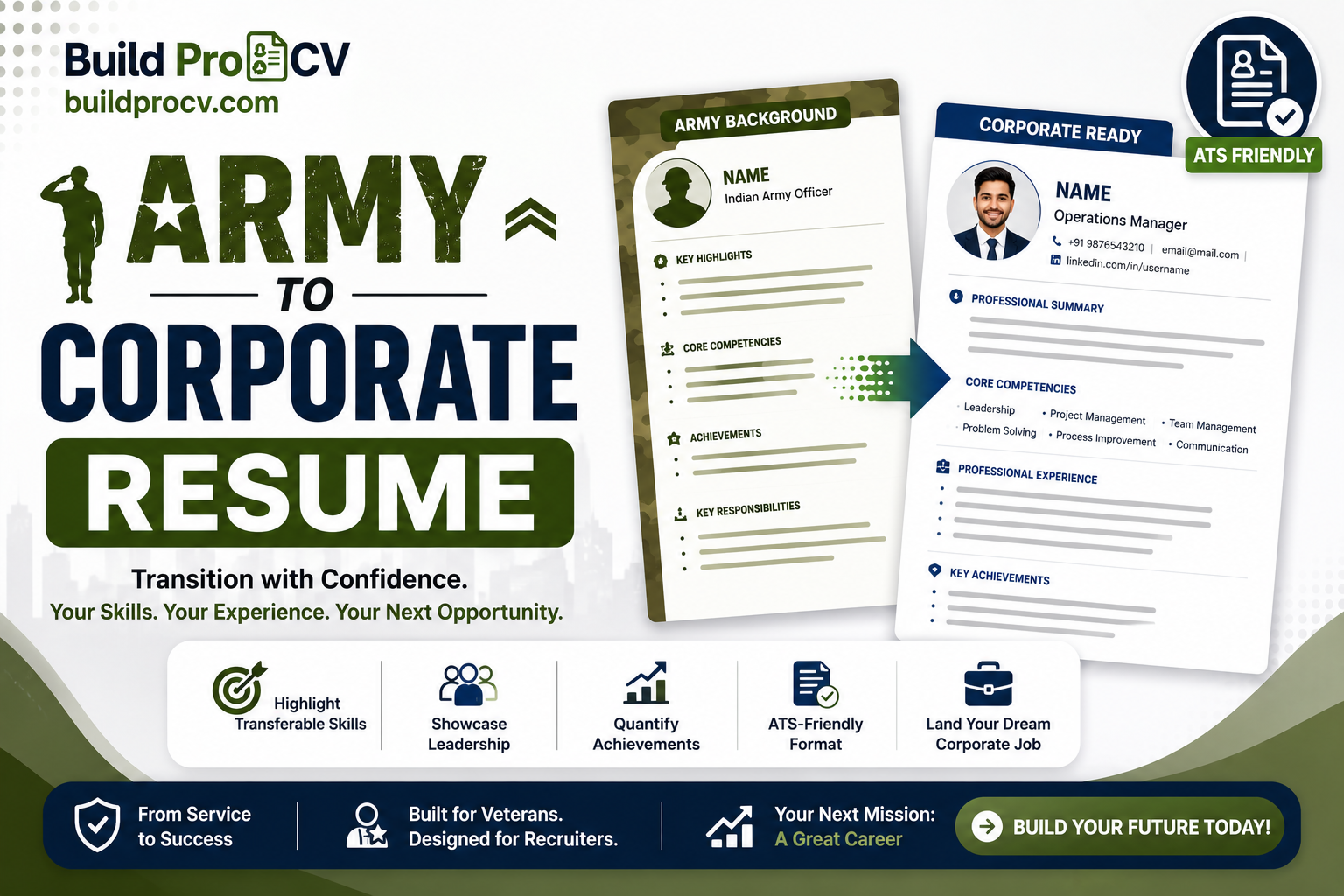
After years in uniform, you’ve led teams under pressure, managed people and resources, and delivered in conditions most civilians will never face. Then you sit down to write a resume for a corporate job – and it doesn’t land. Recruiters skim past it, applications go unanswered, and it’s hard to understand why, because the experience is clearly there.

The problem usually isn’t your experience. It’s translation. A corporate recruiter often can’t decode military ranks, trades and unit terminology, so your achievements don’t register the way they should. This guide shows you how to translate your military service into a resume that civilian employers immediately understand.

Why military resumes get overlooked

Rank and unit jargon. Titles like “Subedar Major” or “JCO”, or a specific unit designation, mean a great deal inside the forces but little to a civilian HR team. They describe seniority and belonging, not the corporate function you performed.

Untranslated duties. “Responsible for regimental administration” is accurate, but a recruiter reads it and isn’t sure whether you’d suit an operations, HR or admin role. The civilian equivalent isn’t obvious to them.

ATS software. Most companies filter resumes through applicant tracking systems that match your resume against the job description. Military terms rarely match civilian job keywords, so even a strong candidate can be screened out before a human looks.

The golden rule: translate, don’t transcribe

Don’t list what you did in military language and hope the reader works it out. Restate each role in the corporate terms a hiring manager already uses. You’re not exaggerating or hiding anything – you’re describing the same work in language your new industry understands.

How to translate your military experience

Lead with a civilian job title. Instead of your rank, use the corporate-equivalent designation for the role you performed – Operations Manager, Team Leader, Logistics Manager, Administrative Officer, Trainer, Security Manager, and so on.

Reframe duties as business functions. A few common examples:

  • Led a platoon or company → Led and managed teams of 30–120 people
  • Operational planning and command → Operations management; planning and execution under pressure
  • Quartermaster / logistics role → Supply chain, inventory and asset management
  • Signals / technical trade → IT, telecom or technical operations
  • Adjutant / regimental admin → Administration, HR coordination and office management
  • Instructor at a training establishment → Corporate trainer; learning & development

Quantify everything. Numbers translate across any field. State the size of teams you led, the value of assets or budgets you managed, the number of people you trained, the scale of operations you coordinated.

Show courses as certifications. Military training courses are real professional development. List them as certifications rather than as military courses.

Show medals as recognitions. Commendations and awards demonstrate performance. Present them as professional recognitions or awards, with a brief note on what they were for, rather than as decorations.

Drop rank, unit numbers and classified details. They add nothing for a civilian employer and can clutter or complicate the resume.

Make it ATS-friendly too

Once your experience is translated, make sure the format passes the software gate. Use a clean single-column layout, standard headings, and the keywords from the job description. It’s worth running your finished resume through a free ATS Score Checker to see your match score and catch any formatting issues before you apply.

Let the tool do the translation for you

Doing all of this manually takes time and a good feel for corporate language. The free Fauji2Corporate CV maker does the heavy lifting: you select your service, rank and trade, and it automatically produces a corporate-equivalent designation, a professional summary, relevant skills, and work experience written in civilian terms — with your rank kept off the CV entirely. You can edit every section, pick a template, and download a polished PDF in minutes. It’s the fastest way to turn years of service into a resume the corporate world understands.

Frequently asked questions

How do I put military experience on a corporate resume?

Translate each role into its civilian equivalent — use a corporate job title instead of your rank, describe duties as business functions, quantify your impact, and list courses as certifications and awards as professional recognitions.

Should I mention my rank on a civilian resume?

Generally no. Rank means little to civilian recruiters and can confuse the picture. Lead with the corporate-equivalent role you performed instead.

What corporate jobs suit ex-servicemen?

Common fits include operations, administration, logistics and supply chain, security management, training and L&D, facilities, and project coordination — but your specific trade may open many more.

How do I get my military resume past an ATS?

Use a clean single-column layout with standard headings, include keywords from the job description, and check it with an ATS score checker before applying.

Is there a free tool to make an army-to-corporate resume?

Yes. A free Fauji2Corporate CV maker lets you select your service and trade and automatically translates your experience into a corporate resume you can download as a PDF.

How to Write a Resignation Letter (Format + Free Samples)

how to write a resignation letter

Deciding to leave a job is the hard part. Writing the resignation letter shouldn’t be — but it often causes more anxiety than it should. People worry about the right wording, how much notice to give, whether to explain why they’re leaving, and how to do it all without damaging a relationship they may need later.

The truth is, a good resignation letter is short, professional and gracious. This guide walks you through exactly what to include, the correct format, how much notice to give, and gives you free samples you can adapt.

What a resignation letter should include

A resignation letter doesn’t need to be long. The essentials are:

  • A clear statement that you’re resigning, and from which position
  • Your last working day, in line with your notice period
  • A brief note of thanks for the opportunity
  • An offer to help with the handover
  • A polite, professional closing

That’s all. You don’t need to justify your decision or go into detail.

What to leave out

Just as important is what not to include. Leave out negative comments about the company, your manager or colleagues, however you feel — a resignation letter becomes part of your record, and complaints belong in a private conversation or exit interview, not here. You also don’t need to state your reason for leaving. “I have accepted another opportunity” is more than enough, and even that is optional. Keep the tone warm and forward-looking; you may need a reference or cross paths again.

The standard resignation letter format

A clean structure looks like this:

  1. Date
  2. Recipient – your manager’s name, designation, company and city
  3. Subject line – e.g. “Resignation from the position of [your title]”
  4. Statement of resignation with your last working day
  5. A line of gratitude
  6. An offer to support the transition
  7. Professional closing and your name

How much notice should you give?

Follow your employment contract first — it usually specifies your notice period. In India, one to three months is common, with one month typical for junior roles and two to three months for senior or specialised positions. Serving your full notice (or as agreed with your employer) keeps things professional and protects your final settlement and reference. If you need to leave sooner, discuss it with your manager rather than simply shortening the notice in your letter.

Sample resignation letter (formal)

Subject: Resignation from the position of [Your Designation]

Dear [Manager’s Name],

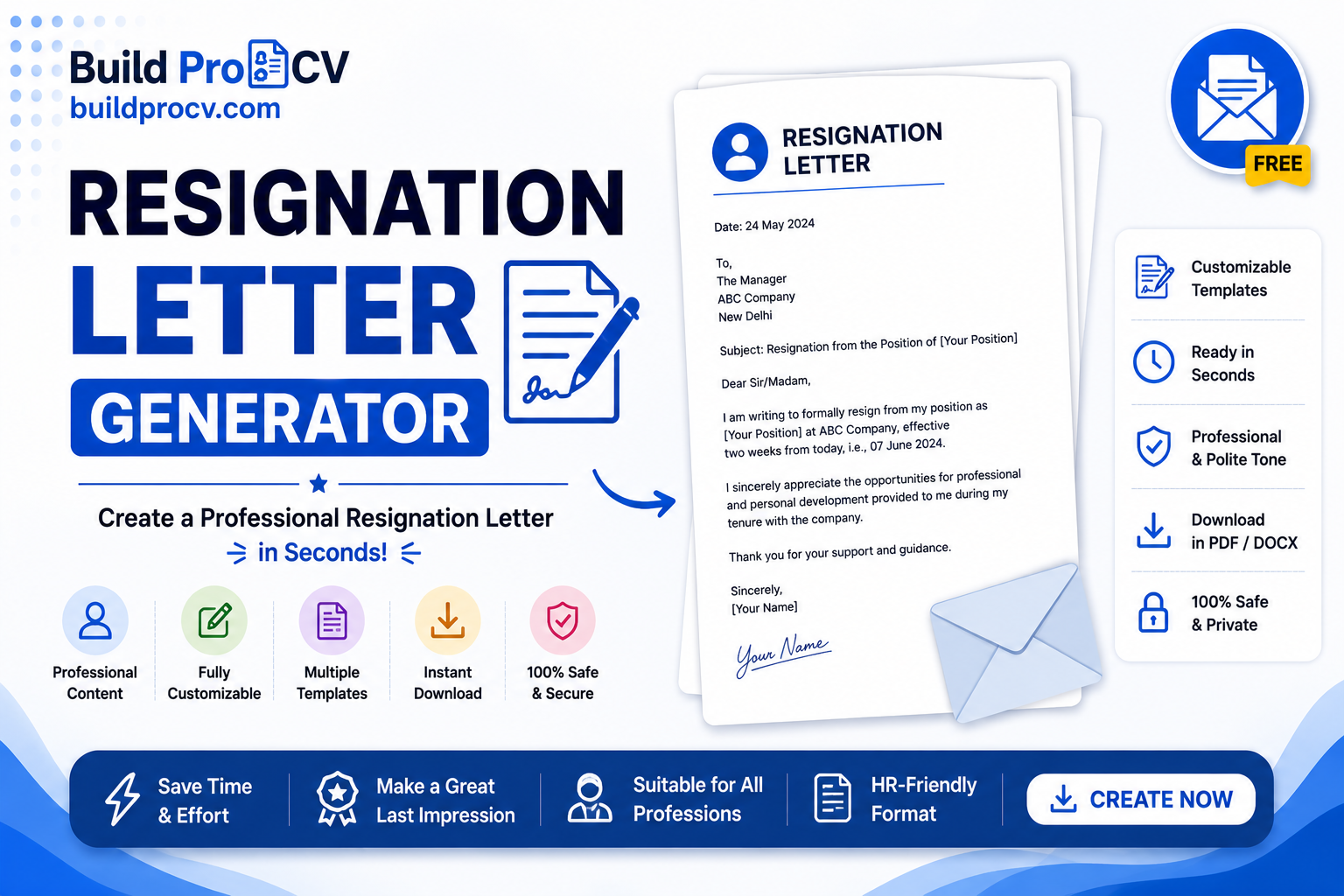
I am writing to formally resign from my position as [Your Designation] at [Company Name]. In line with my notice period, my last working day will be [date].

I am sincerely grateful for the opportunities and support I have received during my time here. I have valued working with you and the team and have learned a great deal that I will carry forward.

To ensure a smooth transition, I am happy to complete a full handover of my responsibilities and help train my replacement before I leave.

Thank you again for your guidance. I wish [Company Name] continued success.

Yours sincerely, [Your Name]

Sample resignation letter (brief and direct)

Dear [Manager’s Name],

Please accept this letter as formal notice of my resignation from the position of [Your Designation] at [Company Name]. My last working day will be [date], in line with my notice period.

Thank you for the opportunities I have had here. I will ensure a smooth handover of my duties before I leave.

Yours sincerely, [Your Name]

The easiest way to write yours

If you’d rather not start from a blank page, the free Resignation Letter Generator builds a polished letter for you in minutes. You add your details, choose a tone and template, and it produces a ready-to-send PDF – automatically working out your last working day and keeping the language professional and positive (it never states your reason for leaving). It’s the quickest way to get a letter you’ll feel confident submitting.

And once your resignation is in, it’s a good moment to update your CV while your latest achievements are fresh – so you’re ready for what’s next.

Frequently asked questions

How do I write a simple resignation letter?

State that you’re resigning and from which role, give your last working day based on your notice period, thank your employer briefly, offer to help with the handover, and close politely. Keep it short.

Should I mention why I’m leaving?

No, it’s not required. A simple line like “I have accepted another opportunity” is enough, and even that is optional. Keep the focus positive.

How much notice should I give?

Follow your contract. In India, one to three months is common. Serving your agreed notice keeps things professional and protects your reference and settlement.

Can a resignation letter be by email?

Yes, email is widely accepted. Keep the same structure, with a clear subject line like “Resignation – [Your Name]”.

Is there a free tool to create a resignation letter?

Yes. A free resignation letter generator lets you fill in your details, pick a tone and template, and download a professional letter as a PDF in minutes.

How to Make Your Resume ATS-Friendly (2026 Guide)

ATS-friendly resume

You’ve applied to twenty jobs, you’re qualified for most of them, and you’ve heard nothing back. It’s one of the most demoralising parts of a job search — and very often, the problem isn’t you. It’s that a piece of software rejected your resume before any human ever opened it.

That software is called an ATS, and once you understand how it works, making your resume “ATS-friendly” is straightforward. This guide explains what an ATS is, why it rejects good resumes, and exactly how to fix yours.

What is an ATS?

ATS stands for Applicant Tracking System — the software companies use to collect, scan and filter the resumes they receive. When you apply through a job portal or a company’s careers page, your resume usually goes into an ATS first. The system reads your resume, tries to pull out your details and skills, and often scores or ranks you against the job before a recruiter sees a shortlist.

Most medium and large employers use one, and nearly every role posted on portals like Naukri passes through this kind of screening. So if your resume isn’t built for it, you can be filtered out no matter how good you are.

Why an ATS rejects good resumes

There are two common reasons a strong candidate gets screened out:

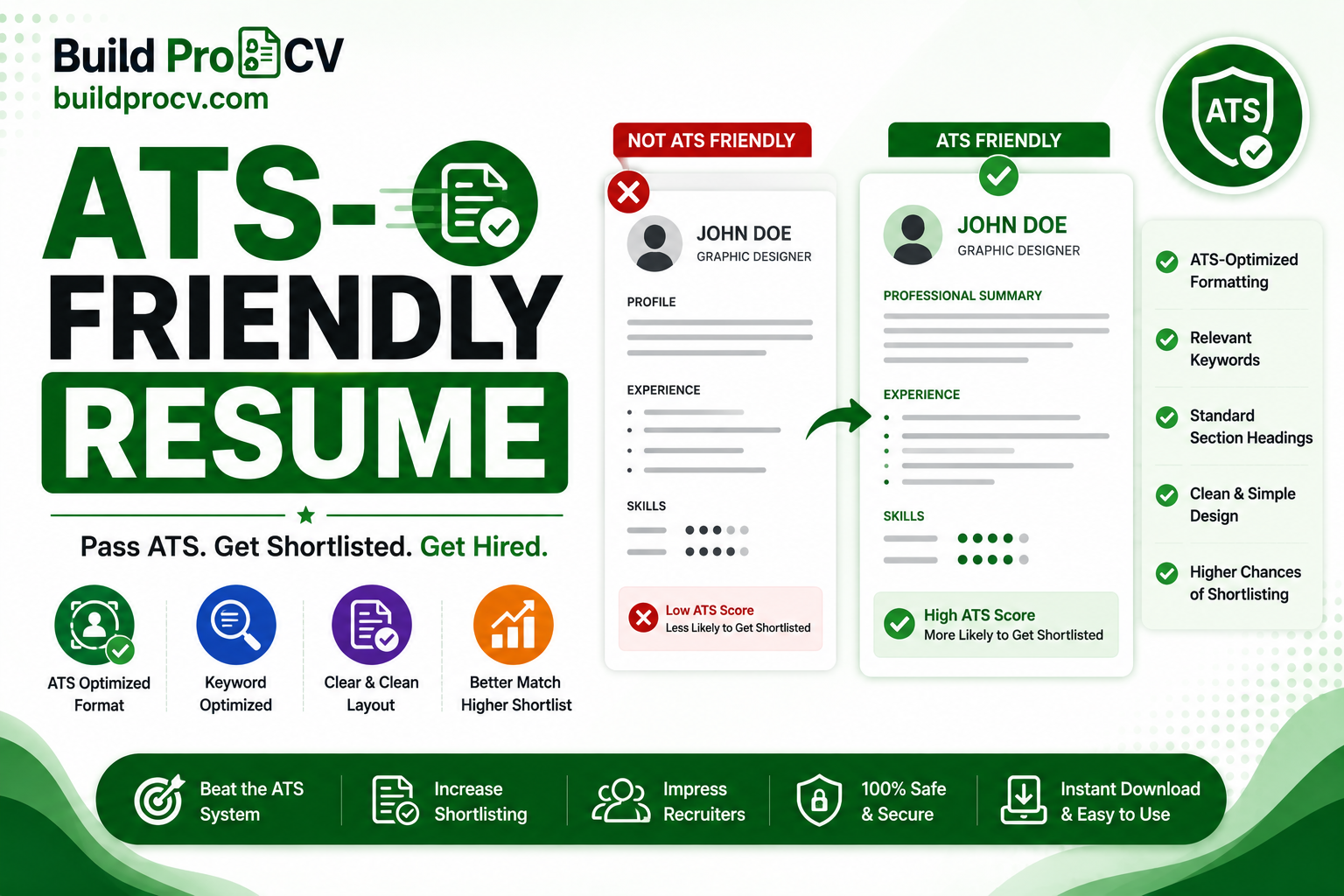
The ATS can’t read the resume properly. Fancy layouts — multiple columns, tables, text boxes, graphics, or details tucked into the header and footer — can confuse the parser. When that happens, your experience may be scrambled or missed entirely.

The resume doesn’t match the job. An ATS looks for the skills and keywords mentioned in the job description. If the posting asks for “project management” and “SQL” and those words don’t appear in your resume, the system sees a poor match even if you have the experience.

How to make your resume ATS-friendly

Here’s how to fix both problems:

Use a simple, single-column layout. Avoid tables, columns, text boxes and graphics. A clean top-to-bottom structure is the safest way to make sure everything you wrote is actually read.

Use standard section headings. Label sections plainly: “Work Experience”, “Education”, “Skills”. Creative headings like “Where I’ve Made an Impact” can stop the ATS from recognising the section.

Mirror the keywords from the job description. Read the posting carefully and naturally include the exact skills and terms it uses. If it says “customer relationship management”, use that phrase rather than only a vague description.

Spell out acronyms. Write the full term and the short form together — for example, “Search Engine Optimization (SEO)” — so you match whichever version the ATS is looking for.

Use standard job titles. If your official title is unusual, add a recognisable equivalent so the system understands your role.

Pick a safe file format. Submit a text-based PDF or a .docx file. Avoid scanned or image-based resumes — an ATS can’t read text inside an image.

Don’t keyword-stuff. Repeating keywords unnaturally or hiding them in white text can backfire, both with the ATS and the recruiter who reads it next. Use keywords genuinely and in context.

A note for Indian job seekers

Resumes in India often include a photo and personal details like date of birth. That’s fine for many local applications, but be aware some ATS systems ignore images, so never put important text inside a photo or logo. If you’re applying to global companies or MNCs, a cleaner, photo-free format is usually safer.

Check your resume’s ATS score before you apply

Once you’ve cleaned up your resume, don’t guess whether it will pass – test it. Our free Resume ATS Score Checker lets you paste your resume and a job description and instantly see your match score out of 100, which keywords you’re missing, and the exact formatting issues to fix. It runs privately in your browser, so nothing is uploaded anywhere. Run it once, apply the prioritised fixes, and re-check until your score is strong – then send your application with confidence.

Frequently asked questions

What does ATS-friendly mean?

It means your resume is formatted so applicant tracking software can read it correctly, and it contains the keywords from the job description so the system rates it as a good match.

Do all companies use an ATS?

Not all, but most medium and large employers do, and the majority of jobs posted on major portals are screened this way. Building an ATS-friendly resume is the safer default.

Will an ATS-friendly resume look plain?

It will be clean and simple, but that’s a strength — recruiters read it after the ATS, and a clear, well-organised resume is easy for them to scan too. You don’t need heavy graphics to stand out; strong content does that.

Should I include a photo on my resume?

It depends on the role and country. Some Indian applications expect one, but for global or MNC roles a photo-free format is often safer. Either way, never put important text inside an image.

How do I know if my resume will pass the ATS?

Run it through a free ATS checker that compares your resume against the job description. It shows your score, missing keywords and formatting issues so you can fix them before applying.

How to Calculate In-Hand Salary from CTC (With Example)

how to calculate in-hand salary from CTC

You get a job offer with a CTC of ₹8 lakh, you do the quick mental math — about ₹66,000 a month — and then your first salary lands and it’s noticeably less. If that’s happened to you, you’re not alone. The gap between the CTC on your offer letter and the money that actually reaches your bank account confuses almost every new employee.

This guide explains exactly why that gap exists and shows you, step by step with a full worked example, how to calculate your real in-hand salary from your CTC.

CTC vs in-hand salary: the quick version

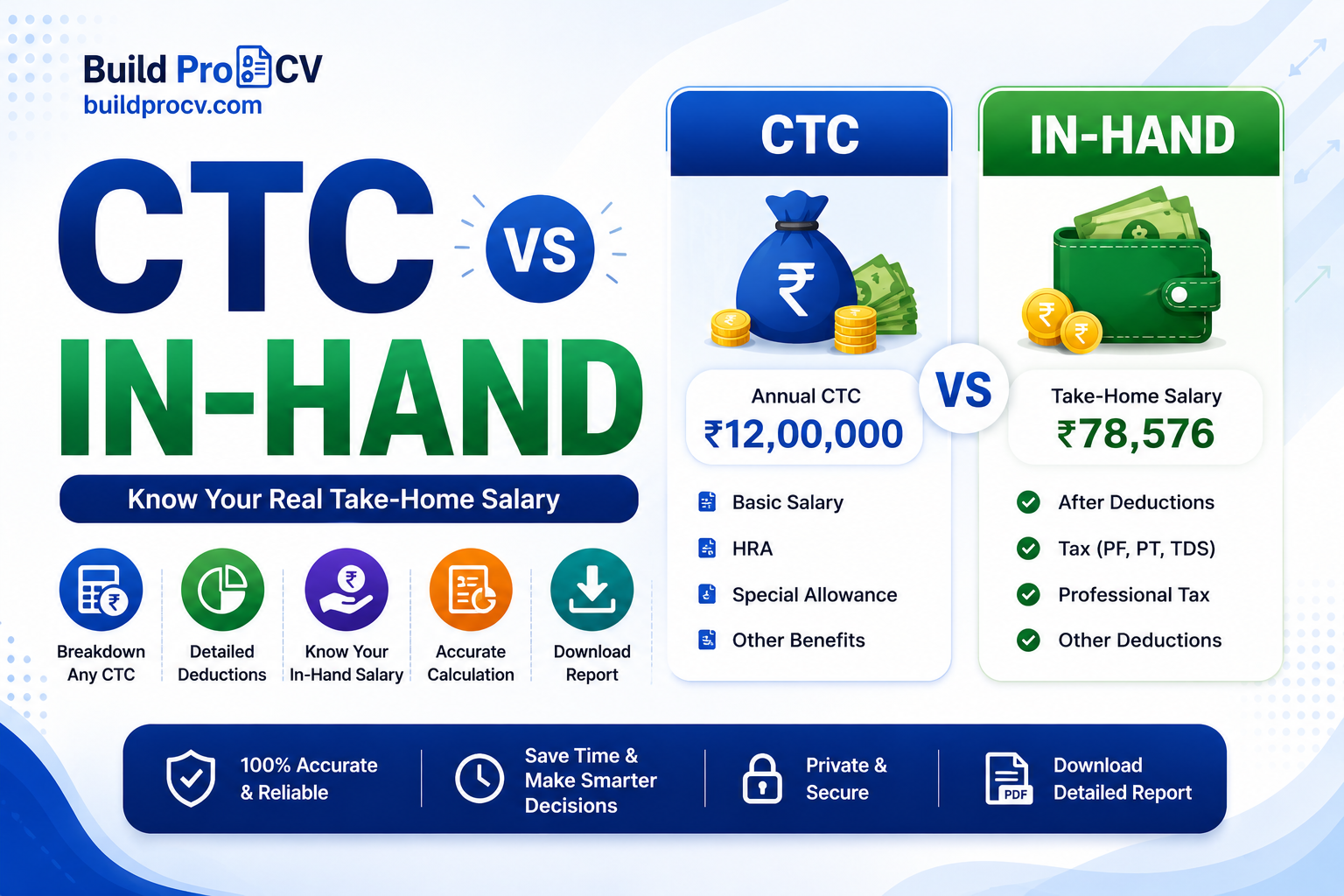
CTC (Cost to Company) is the total amount a company spends on you in a year. It includes your salary plus everything else — the employer’s contribution to your provident fund, gratuity, and any benefits or bonuses.

In-hand salary is what’s actually credited to your bank account each month after all deductions.

The key thing to understand: a big chunk of your CTC never reaches you monthly. Some of it is the company’s contribution to your future savings, and some is deducted as tax and provident fund. That’s why your in-hand is always lower than CTC ÷ 12.

What’s inside your CTC?

Your CTC is usually made up of these parts:

Basic salary — The core of your pay, often 40–50% of CTC. Many other components are calculated as a percentage of this.

Allowances — House Rent Allowance (HRA), special allowance, conveyance, and others that top up your pay.

Employer PF contribution — The company puts roughly 12% of your basic salary into your Employees’ Provident Fund. This is part of CTC, but it goes into your PF account, not your monthly bank balance.

Gratuity — A retirement benefit set aside by the employer (around 4.81% of basic). It’s counted in CTC but you only receive it after completing several years of service.

Bonuses or variable pay — Performance or annual bonuses, which may or may not be paid out fully.

What gets deducted from your salary?

To get from CTC to in-hand, you subtract:

  1. Employer’s PF and gratuity — these are part of CTC but never come to you monthly, so remove them first to get your gross salary.
  2. Employee PF contribution — about 12% of your basic salary, deducted from your pay and added to your PF account.
  3. Professional tax — a small state-level tax, typically up to ₹2,500 per year (it varies by state, and some states don’t charge it at all).
  4. Income tax (TDS) — deducted based on your income and tax regime.

Step-by-step: how to calculate in-hand salary from CTC

  1. Start with your annual CTC.
  2. Subtract the employer’s PF contribution and gratuity → this gives your gross salary.
  3. From the gross salary, subtract your employee PF contribution.
  4. Subtract professional tax.
  5. Subtract income tax (TDS), if any.
  6. What’s left is your annual in-hand salary. Divide by 12 for the monthly figure.

Worked example: ₹8,00,000 CTC

Let’s run a realistic example. (Exact numbers depend on your company’s salary structure and your state, so treat this as an illustration.)

Starting CTC: ₹8,00,000 per year

  • Gratuity (≈4.81% of basic): ₹15,392
  • Basic salary (40% of CTC): ₹3,20,000
  • Employer PF contribution (12% of basic): ₹38,400

Step 1 — Gross salary ₹8,00,000 − ₹38,400 − ₹15,392 = ₹7,46,208

Step 2 — Subtract deductions from gross

  • Employee PF (12% of basic): −₹38,400
  • Professional tax (approx.): −₹2,400
  • Income tax: Under India’s new tax regime for FY 2025–26, salaried income up to about ₹12.75 lakh attracts effectively zero income tax thanks to the standard deduction and rebate. At ₹8 lakh, income tax here is nil.

Annual in-hand: ₹7,46,208 − ₹38,400 − ₹2,400 − ₹0 = ₹7,05,408

Monthly in-hand: ≈ ₹58,784
So a ₹8,00,000 CTC translates to roughly ₹58,800 a month in hand — not the ₹66,000 a simple division would suggest. The difference went into your PF (your own savings, just not spendable now), gratuity, and a small professional tax.

A note on PF: this example uses the standard 12% of basic. Some companies instead cap PF at ₹1,800 a month (the EPF wage-ceiling rule), which makes the PF deduction smaller and your in-hand a little higher. Our calculator lets you choose whichever matches your payslip.

A note on income tax: tax rules and slabs change from year to year and depend on whether you choose the new or old regime. Always check the latest slabs for the current financial year before relying on a tax figure.

The fastest way to find your in-hand salary

Doing this by hand is fine once, but if you’re comparing offers or just want a quick number, use the free CTC to In-Hand Salary Calculator. Enter your CTC, choose your tax regime, and it estimates your monthly take-home after PF, professional tax and income tax — and even compares the old and new regimes to show which saves you more. You’ll see your real number in seconds and can compare two job offers fairly instead of being misled by the headline CTC.

Frequently asked questions

Why is my in-hand salary less than my CTC?

Because CTC includes amounts that never reach your monthly account — like the employer’s PF contribution and gratuity — plus deductions such as your own PF contribution, professional tax and income tax.

How much of CTC is in-hand?

It varies with your salary structure, but in-hand is commonly around 70–85% of CTC for lower and middle income levels, with a larger gap at higher salaries due to tax.

Is PF deducted from CTC or salary?

Both. The employer’s PF contribution is part of your CTC, while your own (employee) PF contribution is deducted from your monthly salary. Both go into your PF account.

Does in-hand salary include HRA?

Yes, allowances like HRA are part of your gross and in-hand salary, though HRA can have tax implications under the old regime.

Is income tax always deducted from salary?

Not always. Under the new tax regime for FY 2025–26, salaried income up to roughly ₹12.75 lakh can be effectively tax-free, so lower earners may have little or no TDS. Higher salaries attract income tax as per the applicable slabs.

Marriage Biodata Format with Examples (Free Template, 2026)

marriage biodata format

A marriage biodata is the first impression your family shares when a match is being considered — so it’s worth getting right. Done well, it’s a clean one-page snapshot of who you are: your background, your family, your education and work, and how to reach you. Done poorly, it’s cluttered, hard to read, or missing the details people actually want to know.

This guide walks you through exactly what a marriage biodata should contain, shows you filled-in examples for both a prospective groom and bride, and shares simple formatting tips. At the end, you’ll see the fastest way to create your own.

What is a marriage biodata?

A marriage biodata is a short document, usually one page, that introduces a person to a prospective partner’s family for the purpose of arranged marriage. Think of it as a focused profile: instead of listing every detail of your life, it highlights the things families typically want to know first — religion and community, age, height, education, occupation, and family background.

It’s similar in spirit to a resume, but the purpose is different. A resume sells your professional skills to an employer; a biodata introduces you and your family in a respectful, personal way. (If you’re curious about the differences, we cover biodata vs resume in a separate guide.)

What to include in a marriage biodata

A good biodata is organised into clear sections. Here’s what each one should cover:

Personal details — Full name, date of birth, age, height, religion, caste or community (if relevant to your family), mother tongue, and marital status.

Education and career — Your highest qualification, and your current job title and company or profession.

Family details — Father’s name and occupation, mother’s name and occupation, and brief details of siblings (and whether they’re married).

Contact details — A phone number and, if you wish, an email address, usually of a parent or guardian who is managing the conversation.

Photo — A clear, recent, modest photograph. One good photo is enough.

You can also add a short line about your hobbies, values, or what you’re looking for in a partner — but keep it brief and genuine.

Marriage biodata example — for a prospective groom

Here’s a complete sample you can use as a model. (All details are fictional.)

Personal Details

  • Name: Rohan Mehta
  • Date of Birth: 14 August 1996 (Age 29)
  • Height: 5 ft 10 in
  • Religion / Community: Hindu, Maheshwari
  • Mother Tongue: Hindi
  • Marital Status: Never married

Education & Career

  • Qualification: B.Tech (Computer Science)
  • Occupation: Software Engineer at a private IT firm, Pune

Family Details

  • Father: Suresh Mehta, Businessman
  • Mother: Anita Mehta, Homemaker
  • Sibling: One younger sister (unmarried, pursuing B.Com)

About

  • Hobbies: Cricket, reading, travelling
  • A family-oriented person who values honesty and mutual respect.

Contact

  • Phone: +91-XXXXXXXXXX (Father)

Marriage biodata example — for a prospective bride

Personal Details

  • Name: Priya Sharma
  • Date of Birth: 2 March 1998 (Age 27)
  • Height: 5 ft 4 in
  • Religion / Community: Hindu, Brahmin
  • Mother Tongue: Marathi
  • Marital Status: Never married

Education & Career

  • Qualification: M.A. (Economics)
  • Occupation: School Teacher, Nagpur

Family Details

  • Father: Rajesh Sharma, Bank Manager
  • Mother: Sunita Sharma, Homemaker
  • Sibling: One elder brother (married, working in Bengaluru)

About

  • Hobbies: Classical music, cooking, painting
  • Caring and grounded, looking for an understanding life partner.

Contact

  • Phone: +91-XXXXXXXXXX (Father)

Formatting tips for a good biodata

A few small things make a biodata look polished and trustworthy:

Keep it to one page if you can — families skim, they don’t read essays. Use clear section headings so the eye can jump straight to education or family details. Choose a simple, readable font and leave enough white space; a cramped biodata is hard to take seriously. Use one good photo, recent and clear, rather than several. And always double-check your contact number — a single wrong digit can quietly end a promising match.

Equally, avoid a few common mistakes: don’t exaggerate qualifications or job titles, don’t include overly personal financial details, and don’t make it so long that the important points get lost.

The easiest way to make your marriage biodata

You don’t need to design a biodata from scratch in Word or struggle with alignment. The free Shaadi Biodata Maker lets you fill in your details, add a photo, choose a clean format, and download a ready-to-share PDF in just a few minutes — no login and no watermark. It produces a neat, consistent layout that looks the same whether you send it on WhatsApp or print it for a meeting.

Once it’s ready, you’ll have a one-page biodata you can confidently share with prospective families.

Frequently asked questions

What should I write in a marriage biodata?

Include your personal details (name, date of birth, height, religion, community), your education and occupation, your family details, contact information, and a recent photo. A short line about your hobbies or values is a nice touch.

How long should a marriage biodata be?

Ideally one page. It’s meant to be a quick, clear introduction, not a detailed life story.

Should I add a photo to my biodata?

Yes, one clear and recent photo is recommended. It helps families form a first impression.

Is a marriage biodata the same as a resume?

No. A resume is for job applications and focuses on professional skills, while a biodata introduces you and your family for marriage and focuses on personal and family details.

How can I make a marriage biodata for free?

You can use a free Shaadi Biodata Maker to fill in your details, add a photo, and download a formatted PDF in minutes without any sign-up.
Resume Tips for freshers

As a fresher, writing a resume can be challenging, but here are some tips to help you create an effective one:

  1. Begin with a clear and concise objective: Start your resume with a brief objective that summarizes your career goals and the type of position you are seeking. This will give the employer an idea of what you are looking for and how you can add value to their organization.
  2. Highlight your education: Since you are a fresher, your education will be the most important section of your resume. Include details of your degree or diploma, the name of the institution, the year of graduation, and your academic achievements.
  3. Emphasize your skills: While you may not have much work experience, you may have developed skills through coursework, projects, internships, or volunteer work. List your relevant skills, such as communication, teamwork, problem-solving, and technical skills.
  4. Include relevant experience: If you have any relevant work experience, include it in your resume. This could be an internship, part-time job, or volunteer work that is related to the position you are applying for.
  5. Personalize your resume: Customize your resume to the job description and the company you are applying to. This shows that you have taken the time to understand the company’s needs and how your skills and experience can benefit them.
  6. Proofread and edit: Make sure to proofread your resume for any spelling or grammatical errors. Ask a friend or mentor to review your resume and provide feedback.

By following these tips, you can create a strong resume that showcases your skills and qualifications as a fresher.

How to Answer – Why should We Hire You?

When answering the question, “Why should we hire you?” during a job interview, it’s important to focus on your skills, experience, and achievements that align with the job requirements and demonstrate your value to the company. Here are some tips on how to answer this question:

  1. Highlight your relevant skills: Review the job description and identify the key skills and qualifications required for the position. Then, highlight your relevant skills and experience that demonstrate your ability to perform the job duties.
  2. Show your enthusiasm: Demonstrate your passion and interest in the company and the role. Explain why you are excited about the opportunity and how you believe you can make a positive impact on the company.
  3. Share your achievements: Provide specific examples of your accomplishments that are relevant to the job. Discuss how your achievements can contribute to the company’s goals and objectives.
  4. Be confident but humble: While it’s important to showcase your skills and experience, it’s also important to be humble and acknowledge that you still have room for growth and development. Express your willingness to learn and adapt to new challenges and opportunities.

An example of a good answer to this question could be:

“I believe I am the best fit for this role because I have the relevant skills and experience needed to excel in this position. My previous work experience in [relevant field] has given me the opportunity to develop my skills in [specific skills mentioned in job description]. Additionally, I am extremely passionate about the company’s mission and values, and I am eager to contribute to its success. In my previous role, I was able to achieve [specific achievement] by implementing [specific strategy or skill]. I believe that my experience and achievements can make a positive impact on the company, and I am excited about the opportunity to work with such a talented team.”